42ServeBoard
Log inStart free
Now live · Soul Chicken · Honolulu

Your TV calls the order. Your phone taps Ready.

Orders land on a phone the moment they're rung up. Staff taps Ready and the number goes up on the TV with a chime. Between calls the same TV runs your menu and your photos. Keep your Clover or Square — or run standalone on the built-in Counter POS.

Works withCloverSquare
Or run fully standalone. No hardware swap.
Ready Tap on a phone
Real screens · Soul Chicken Keeaumoku

See it running.

Captured off a working store — not mockups. The board at the top of this page is the same store, calling two orders.
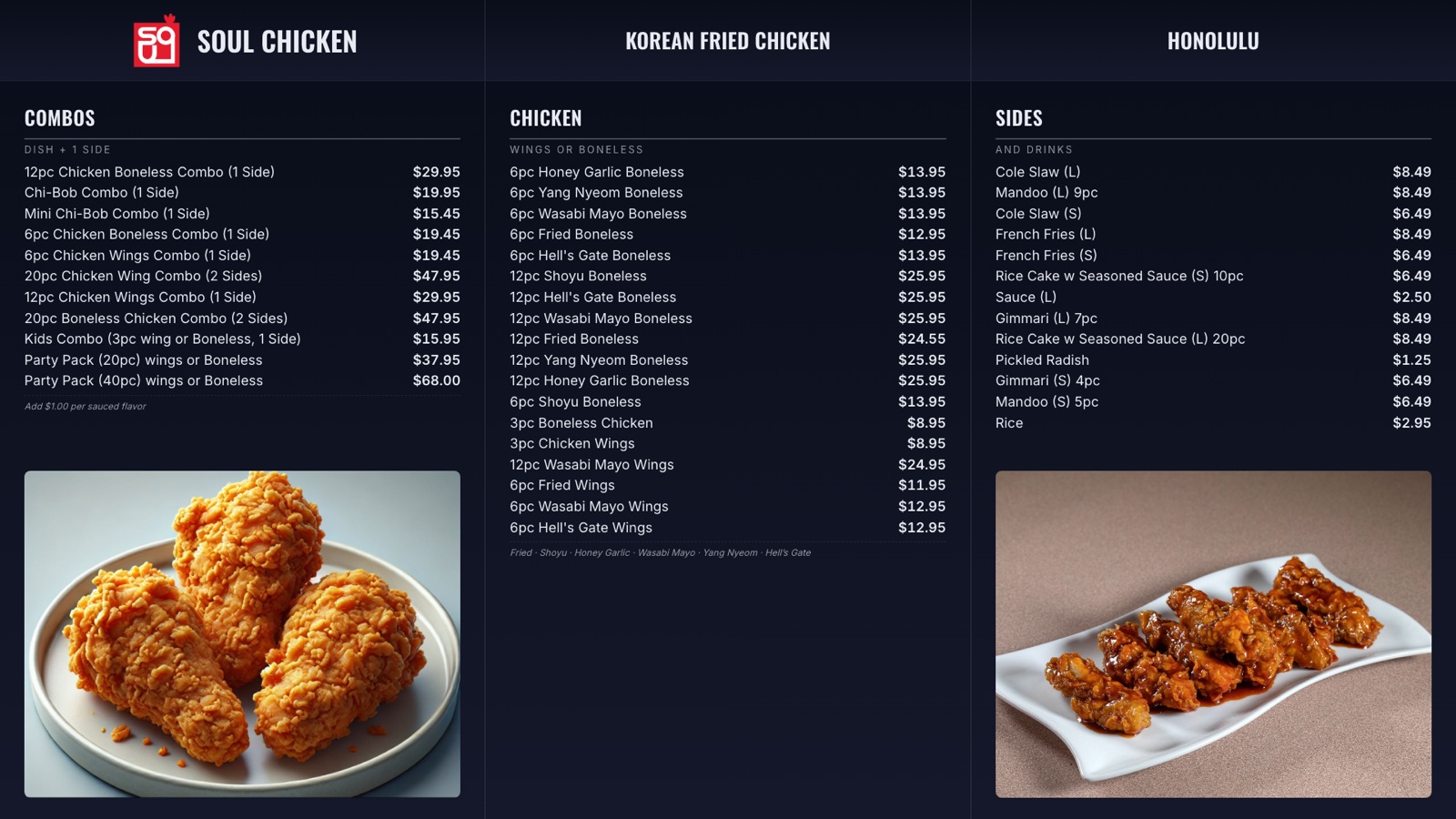
Menu board
Menu board. Prices and sold-out state come straight from your POS. Same TV switches to a called number and back.
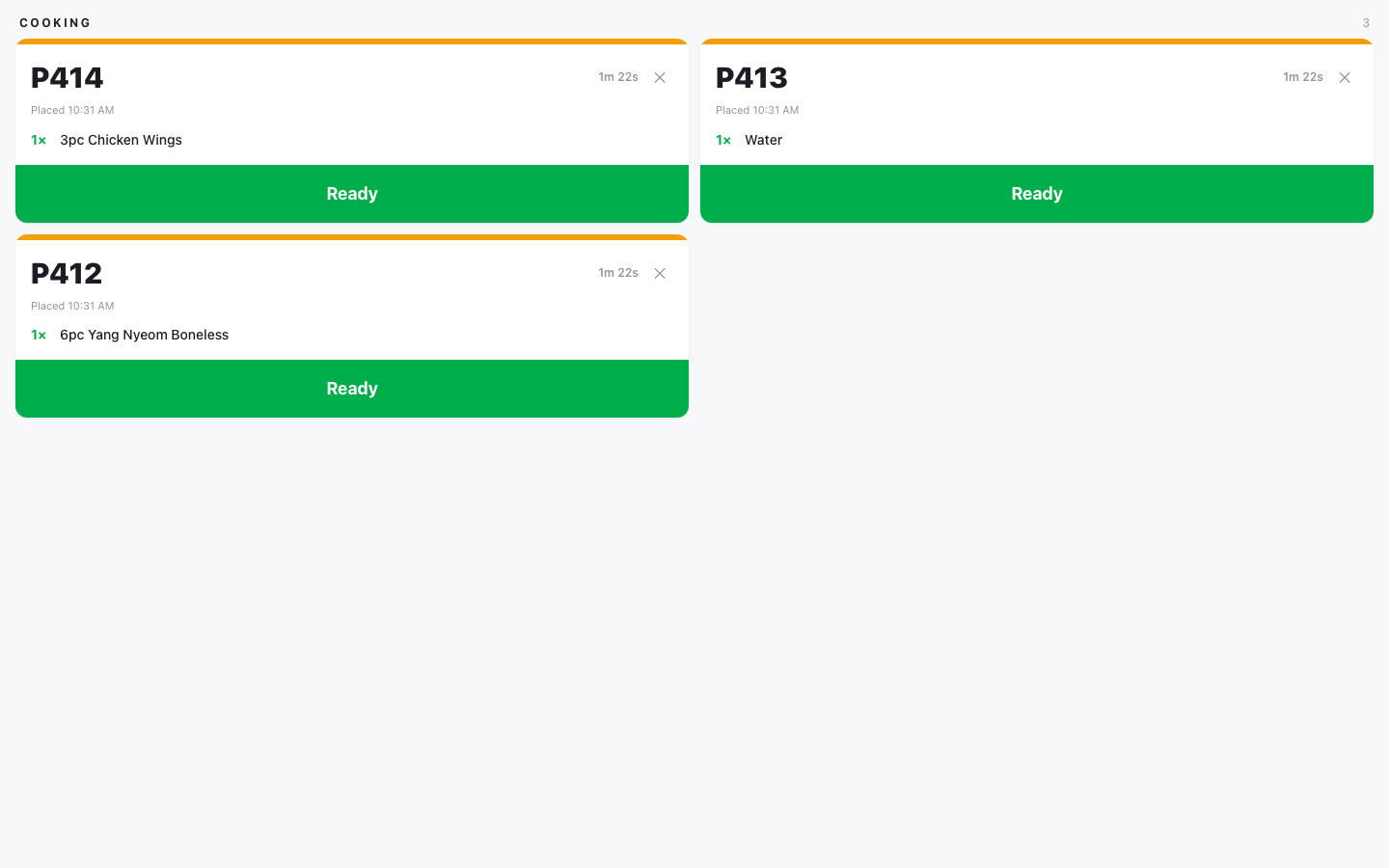
Kitchen screen
Kitchen screen. Tickets as they land, oldest first. One tap on Ready calls the number.
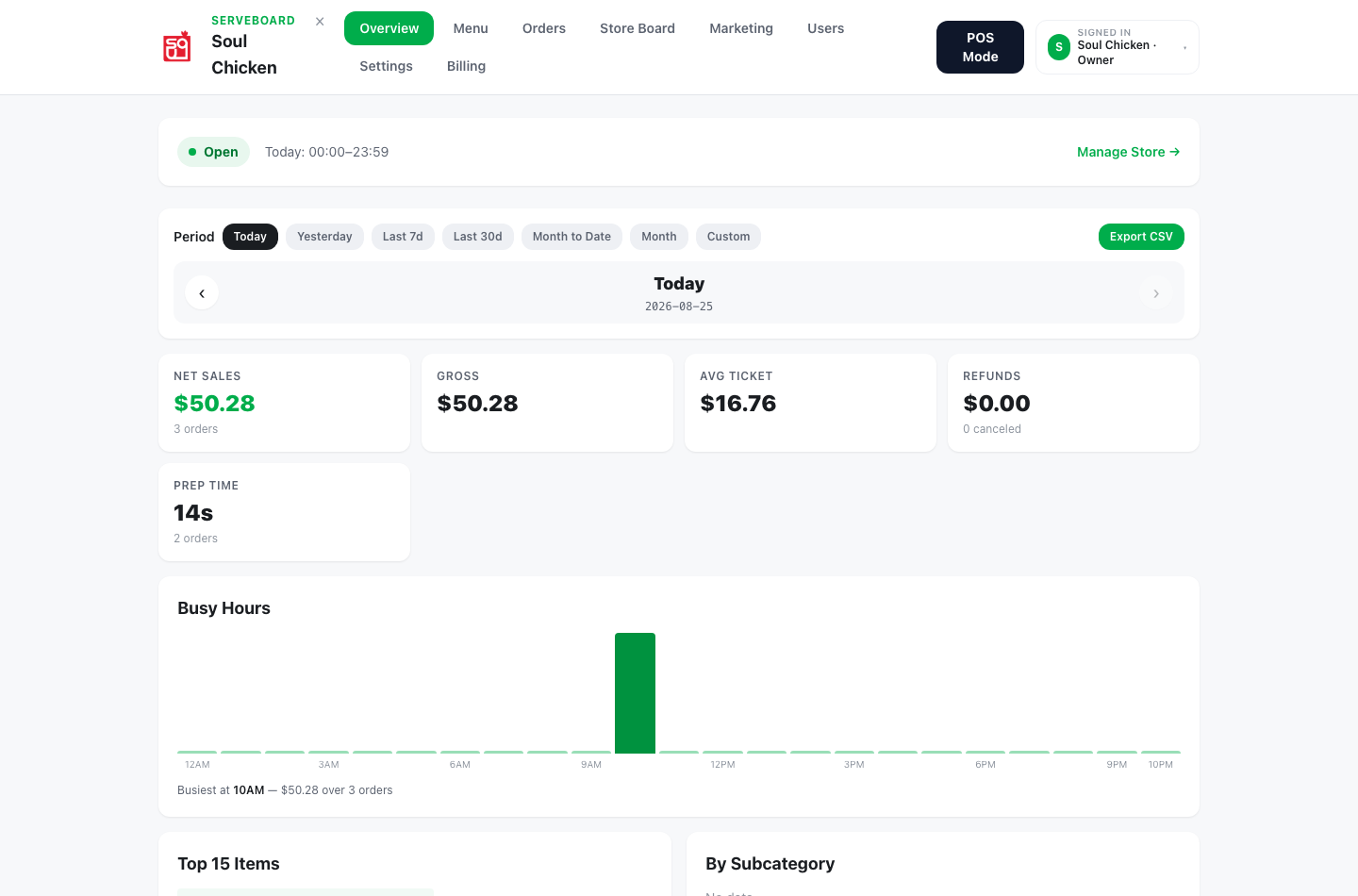
Owner dashboard
Owner dashboard. Today's sales, average ticket, busiest hour. Same numbers on your phone.
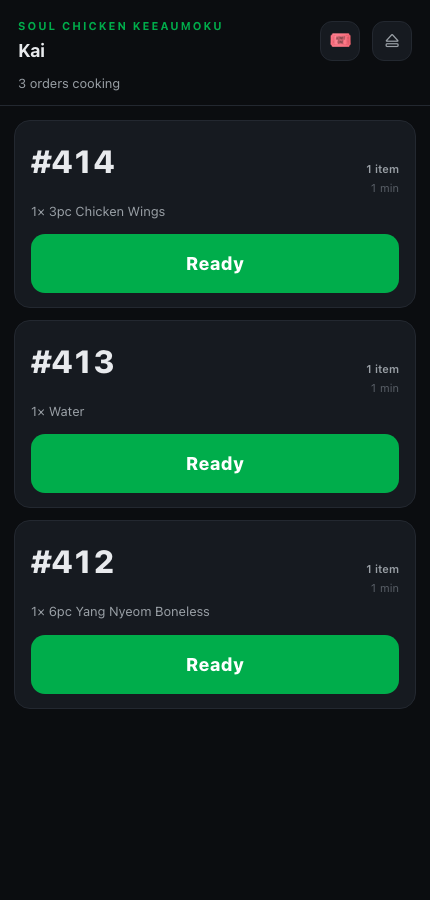
Staff phone
Staff phone. No extra hardware needed. Any phone becomes the Ready button.

Between calls, the screen sells.

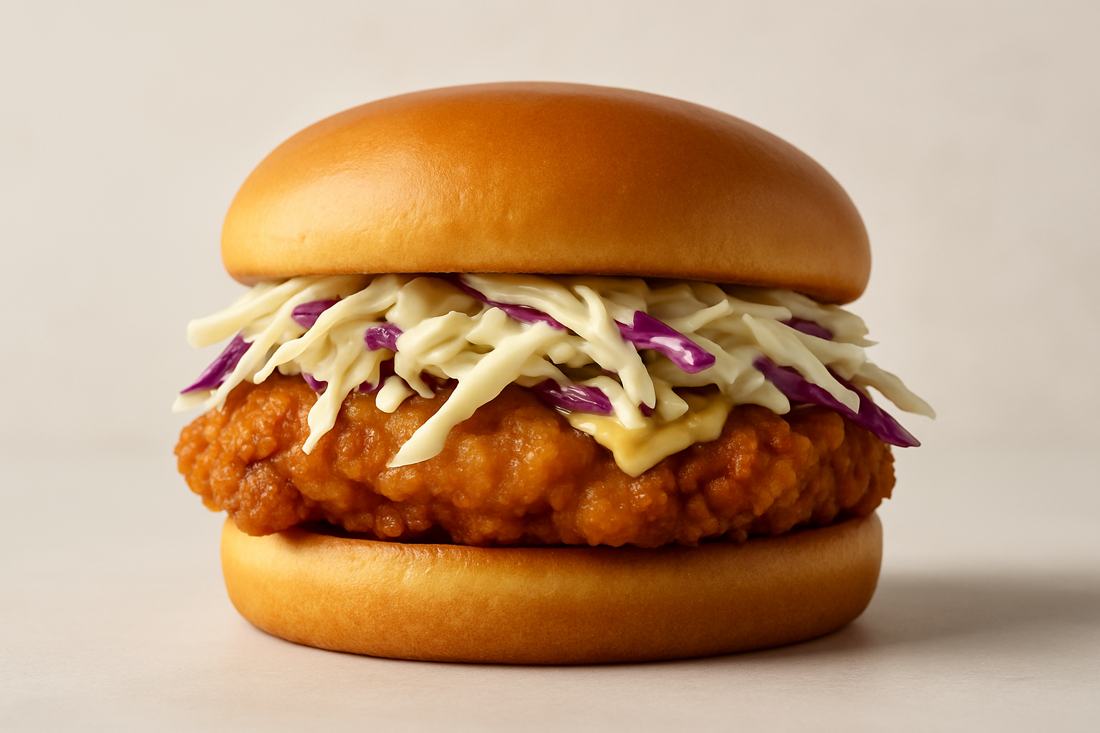
No black screen waiting for the next order. Your photos, your specials, your hours — upload from your phone, they rotate on the same TV. The number cuts in when it's called, then the photos come back.
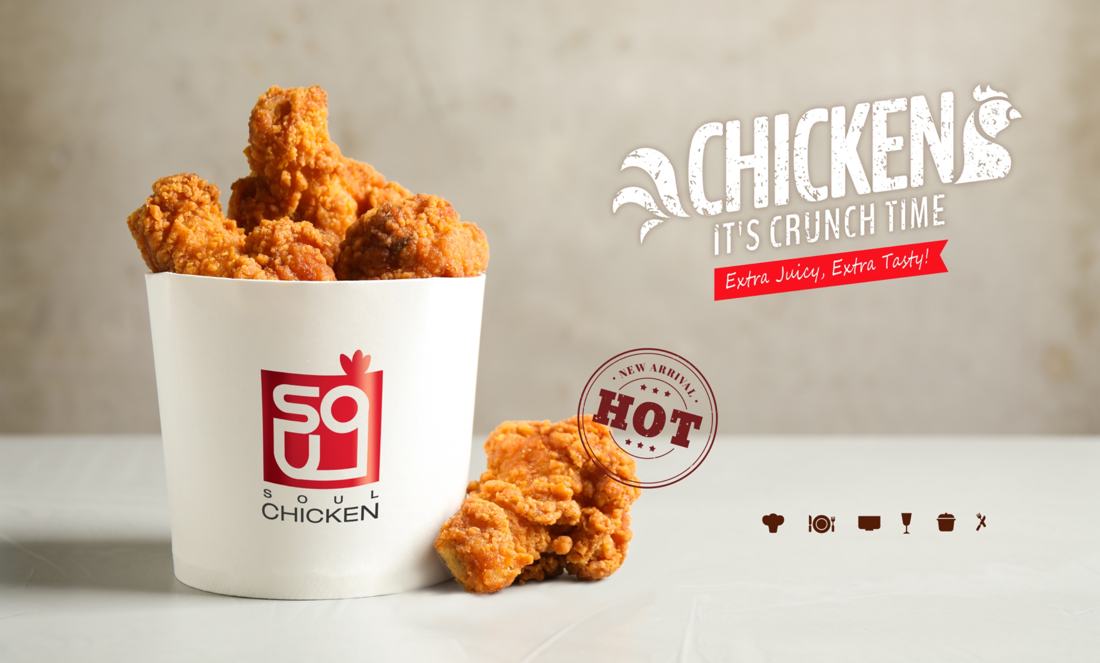
Store promo slide — chicken bucket
Store promo slide — chicken sandwich
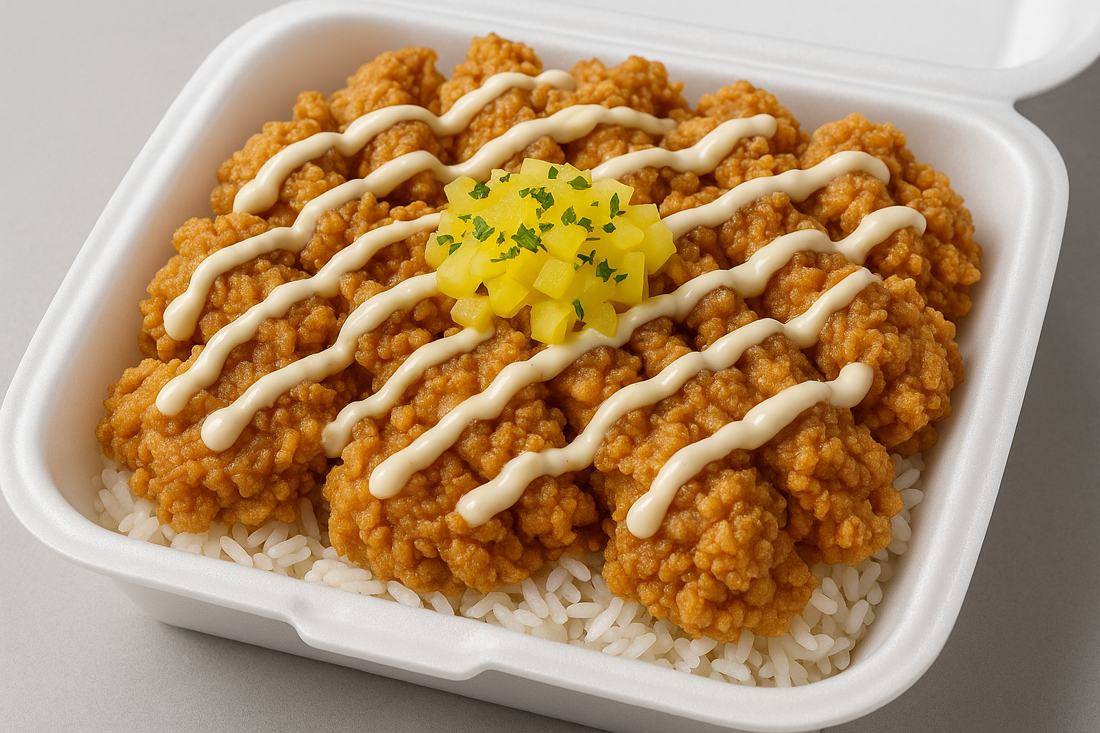
Store promo slide — rice bowl
Slides running on the board at Soul Chicken Keeaumoku.
Followers, counting up
Pro
Your Instagram count rolls over on the board and a QR sits next to it. Customers waiting for their order follow you before it arrives.
Coupons that clear themselves
Hand out a code, scan it at the counter, balance updates on its own. Expired or someone else’s code gets turned away.
Giveaways on the screen
Pro
Entries, the QR to enter, and the winner all land on the same TV. No printed slips, no bowl on the counter.
Self-order kiosk · Pro

Customers order and pay on their own.

Any tablet becomes a self-order kiosk. Customers browse the menu, tap their card, and get a number — the ticket lands in your kitchen and the TV calls it. Card sales pay into your own merchant account, on our card processing.
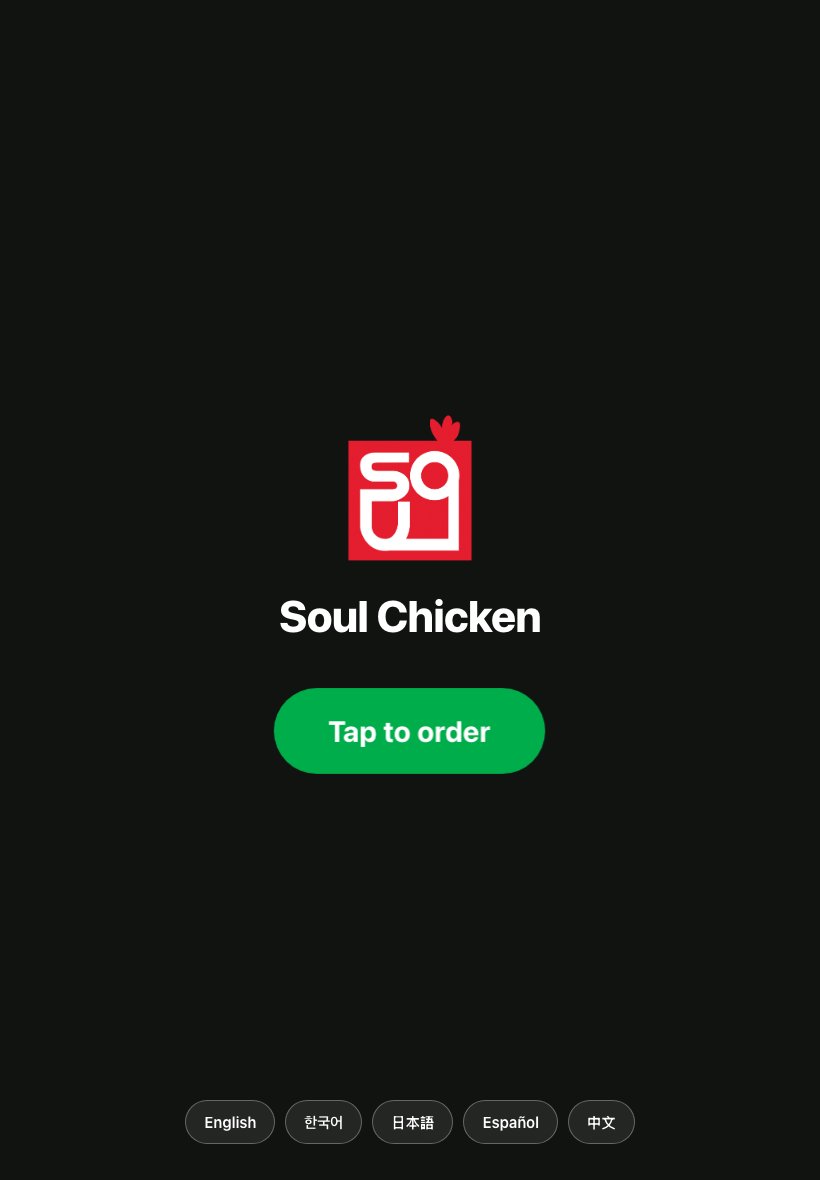
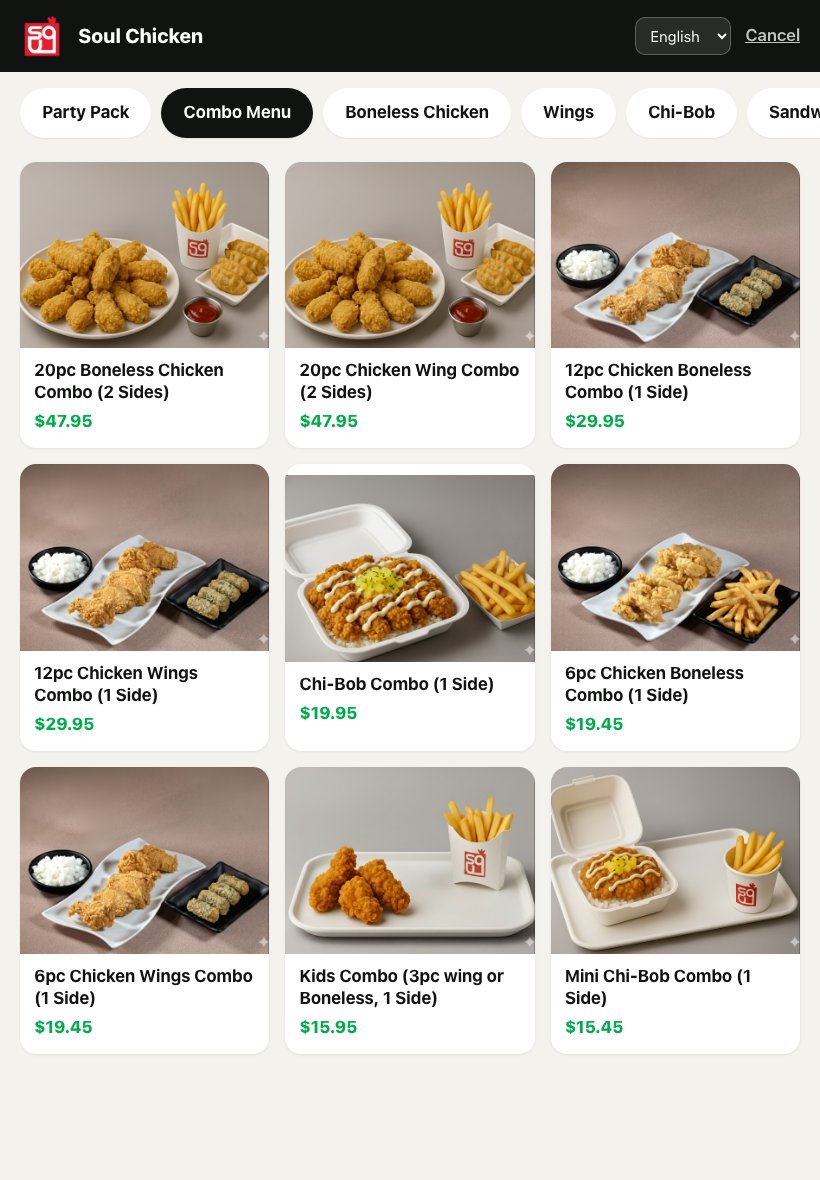
Self-order kiosk — Waiting screen
Waiting screen. Your logo, one tap to start — English, Korean, Japanese, Spanish, Chinese.
Self-order kiosk — Menu
Menu. Photos and prices straight from your menu. Sold-out items grey out on their own.
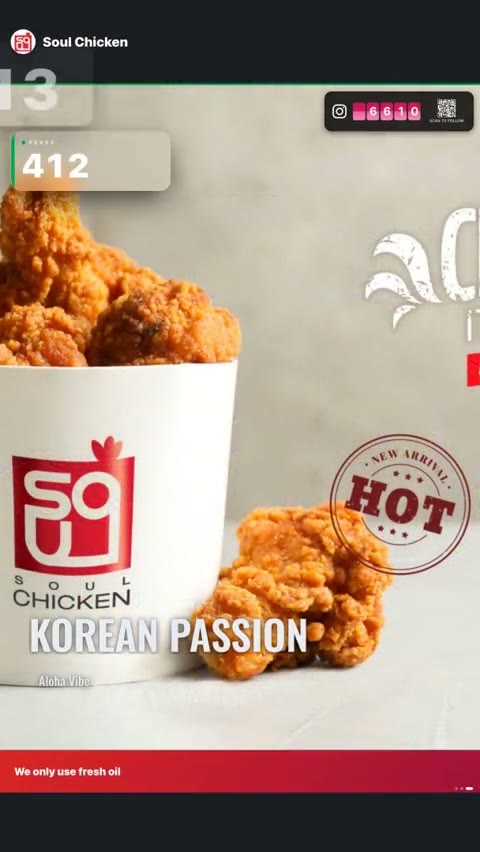
Store Board calling order 412

Nothing new to buy.

One screen, three ways to run it.

See the 2-minute setup guide →
A TV you already own
HDMI stick, Smart TV browser, or the free Fire TV app. Nothing to mount differently.
An iPad on the counter
Same screen, scaled down. Customers glance at it as they walk up.
No screen at all
Audio Caller speaks the number through a Bluetooth speaker — five languages on Pro.

Three pieces. Zero changes to your POS.

Your existing setup stays. ServeBoard slots in around it.

STEP 01
Counter POS
Take orders
Counter staff keeps using Clover or Square exactly like before. Or ring up orders on our built-in register. No retraining, and nothing to replace until you want to.
→
STEP 02
Ready Tap
Kitchen or counter taps Ready
When the order is ready, someone taps Ready — on a staff phone, a tablet, or our own counter screen. Whatever is already within reach. One tap.
→
STEP 03
Store Board / Audio
Customer hears or sees their number
Store Board flashes the number with chime on the TV. Or Audio Caller speaks it through Bluetooth speaker.

From $39 per month.

No setup fee. Cancel anytime. Every plan starts with a 14-day free trial.

Basic
$39/mo
Calling + idle screen + ad slot.
  • Store Board on any TV
  • Audio Caller (works without a TV)
  • Built-in Counter POS — orders, cash, refunds
  • Sales dashboard — daily reports, busy hours
  • Layered idle screen — clock, hours, branding
  • Ad slot rotation — your photos and specials
  • 2 rotating hero photos
  • Ready Tap (phone PWA)
  • 1 TV screen
Start Basic
Most popular
Plus
$69/mo
Everything in Basic, plus live menu boards.
  • Everything in Basic
  • Menu Board (4 templates)
  • Multi-board (different TVs, different menus)
  • Live modifiers (Clover sold-out auto-syncs)
  • Up to 2 TV screens
Start Plus
Pro
$99/mo
Full stack — kitchen display + multilingual.
  • Everything in Plus
  • Kitchen Display (KDS)
  • Multilingual TTS (en/ko/ja/es/fil)
  • Voice recording upload (your voice calls orders)
  • Self-order kiosk in your own store
  • Connect to a food court kiosk
  • Follower counter + follow QR on your board
  • Giveaway board — entries, QR, winner screen
  • Unlimited hero photos
  • Priority support
  • 3 TV screens, +$10/mo per extra TV
Try Pro free
Using our card processing? 25% off every plan.

Built for these stores.

Counter-service spots where customers wait for their number.

Boba & tea
Ten drinks in the queue. Customers watch the TV for their number instead of crowding the counter.
Cafe
Latte art takes three minutes. Customers see #42 ready and walk up. No counter crowd.
Bakery
Croissants out at 7am — name and order on the screen keep the morning queue clean.
Poke
Bowl prep is fast. Customers scan the TV instead of staring down the counter.
Lunch boxes
Pre-orders pile up at noon — the TV calls them out by number, no awkward shouting.
Ghost kitchen
No dining room. Drivers see the order on the screen when it's ready for pickup.
We're our own first customer
ServeBoard runs every day in our own restaurant — the store in the video above. Our Clover Mini didn't change. We added a phone and a TV, and customers stopped asking "is my order ready?"
AH
Anthony Han
Founder · ServeBoard — Owner, Soul Chicken Keeaumoku

Common questions.

No. ServeBoard adds on top of Clover or Square — or runs fully standalone with the built-in Counter POS.

Ready to stop yelling order numbers?

Setup in 5 minutes. Cancel anytime. First 14 days on us.

Works withCloverSquare— or fully standalone
42ServeBoard© 2026 Oahu Merchant Service LLC
Serveboard — Oahu Merchant Service LLC
1108 Auahi St #40, Honolulu, HI 96814