A digital menu board on any TV.
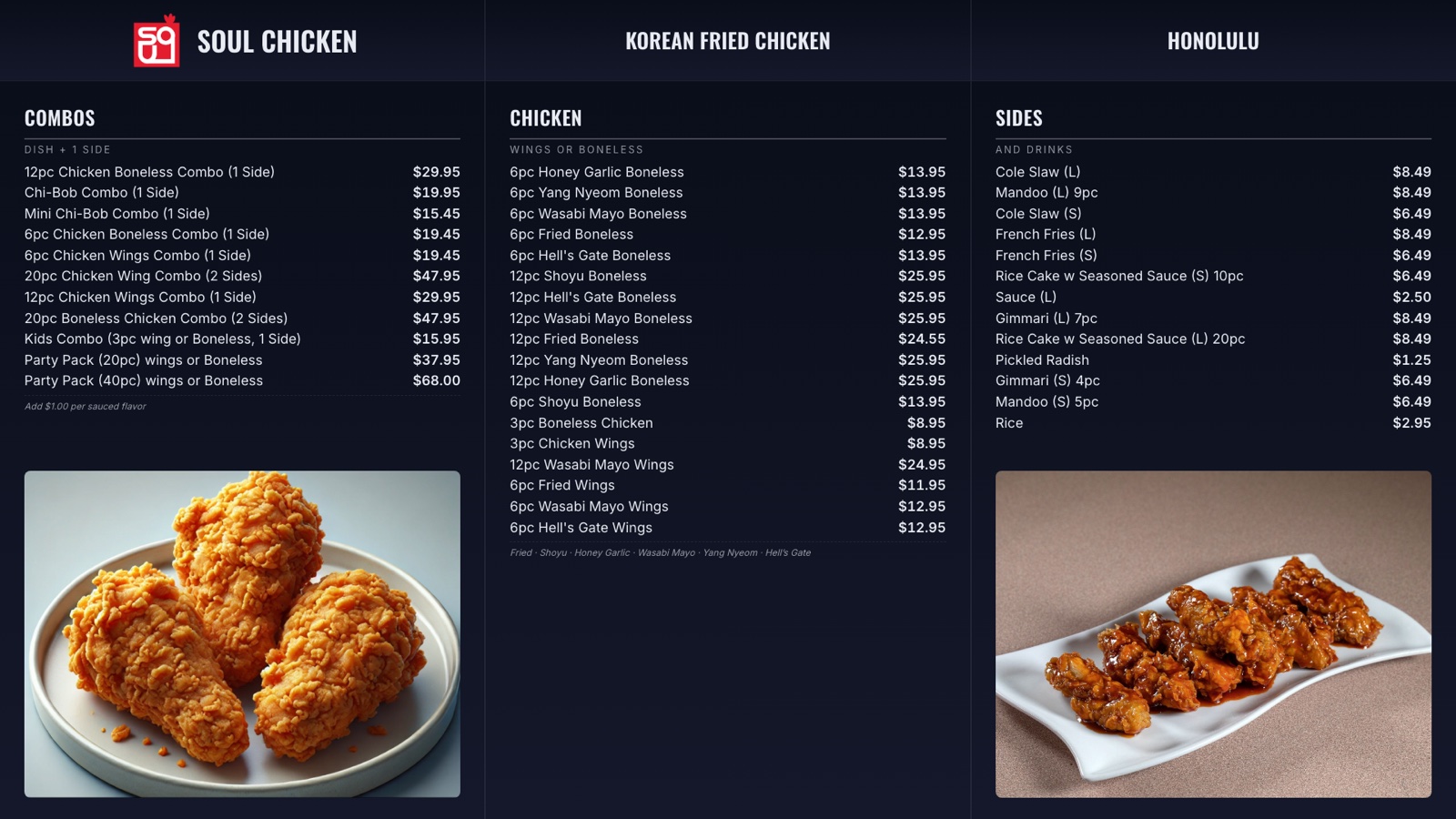
Put your menu on the TV with prices from your POS. Mark an item sold out and the board shows it. Between rushes, run your photos and specials — and call order numbers on the same screen.

From your POS to the wall.
- STEP 01
Bring in your menu
Import it from Square or Clover in one tap — or type it into your dashboard.
- STEP 02
Pick a layout
Four menu board layouts. Different TVs can show different things.
- STEP 03
Pair the TV
Open serveboard.app/tv on the TV, scan the code with your phone, done.
Prices from your POS
Prices come in from Square or Clover in one tap, and one tap marks an item sold out. No reprinting when something changes.
Photos and specials between rushes
Upload your own photos and promos. They rotate on the screen with your logo and hours.
One TV, two jobs
When an order is ready the board switches to the called number, then goes back to the menu.
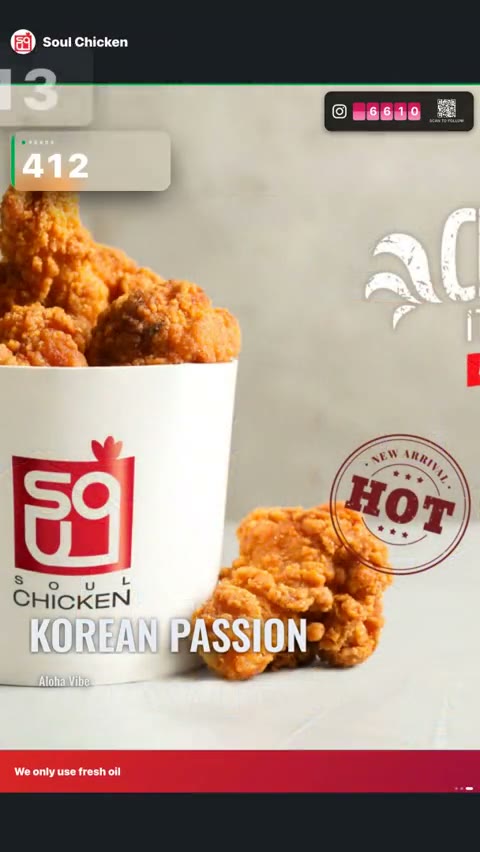
Every screen on this page is a capture from Soul Chicken in Honolulu, where ServeBoard runs every day.
Questions owners ask.
What hardware do I need?
Any TV with a web browser, or any TV with a Fire TV stick (our Fire TV app is free).
Can two TVs show different things?
Yes, on Plus. For example, the menu over the counter and order numbers at pickup.
Does it work for a cafe or food truck?
Yes. It runs on any TV with an internet connection.
What if my menu changes?
Import it again from Square or Clover in one tap — photos, categories and options included — or edit it right in your dashboard. Mark an item sold out on the counter or in your dashboard and every screen follows.
How much is it?
Menu boards come with Plus at $29 a month. 14 days free, no card up front, cancel anytime.
Call orders and run your signage — on one TV.
Setup in 5 minutes. Cancel anytime. First 14 days on us.
— or fully standalone