An order ready screen for Clover.
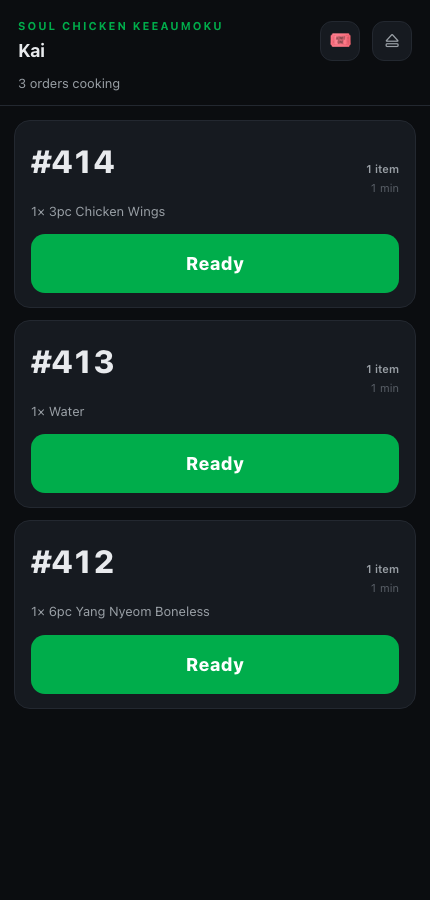
Keep your Clover. Orders show up on a staff phone, one tap marks them Ready, and your TV calls the number. Between calls the same TV shows your Clover menu.


Set up in a few minutes.
- STEP 01
Connect Clover
In your Clover dashboard, open Settings → View all settings → API Tokens, create a token, and paste it into ServeBoard.
- STEP 02
Bring in your menu
One tap imports your items and categories from Clover.
- STEP 03
Pair a TV
Open serveboard.app/tv on the TV, scan the code with your phone, done.
Clover orders on every phone
Staff see the open orders and tap Ready when food is up. Nothing to install on your Clover devices.
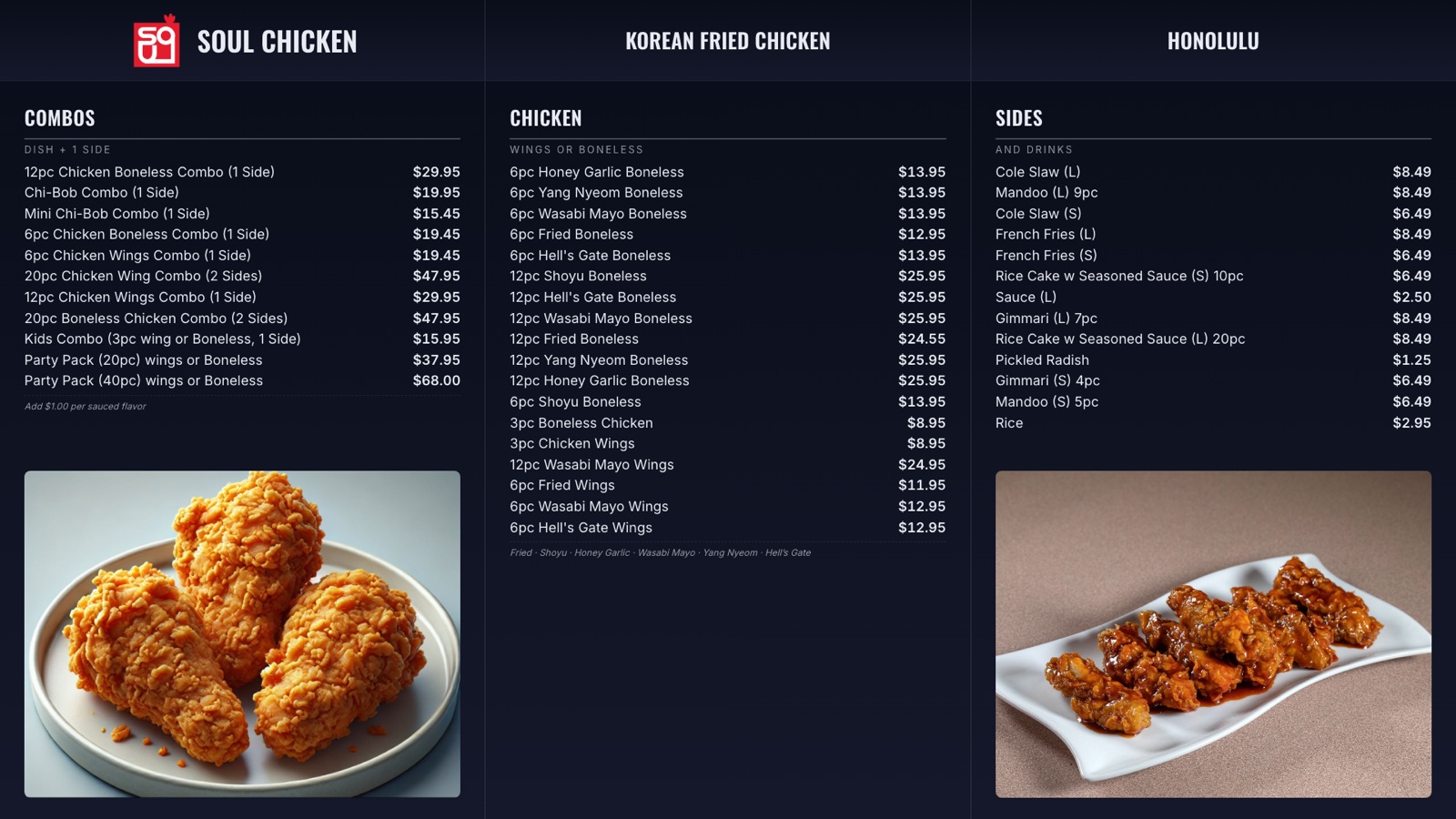
A digital menu board for Clover (Plus)
Prices and sold-out state come straight from your POS. Same TV switches to a called number and back.
Your day at a glance
Today’s sales, average ticket, busiest hour. Same numbers on your phone.
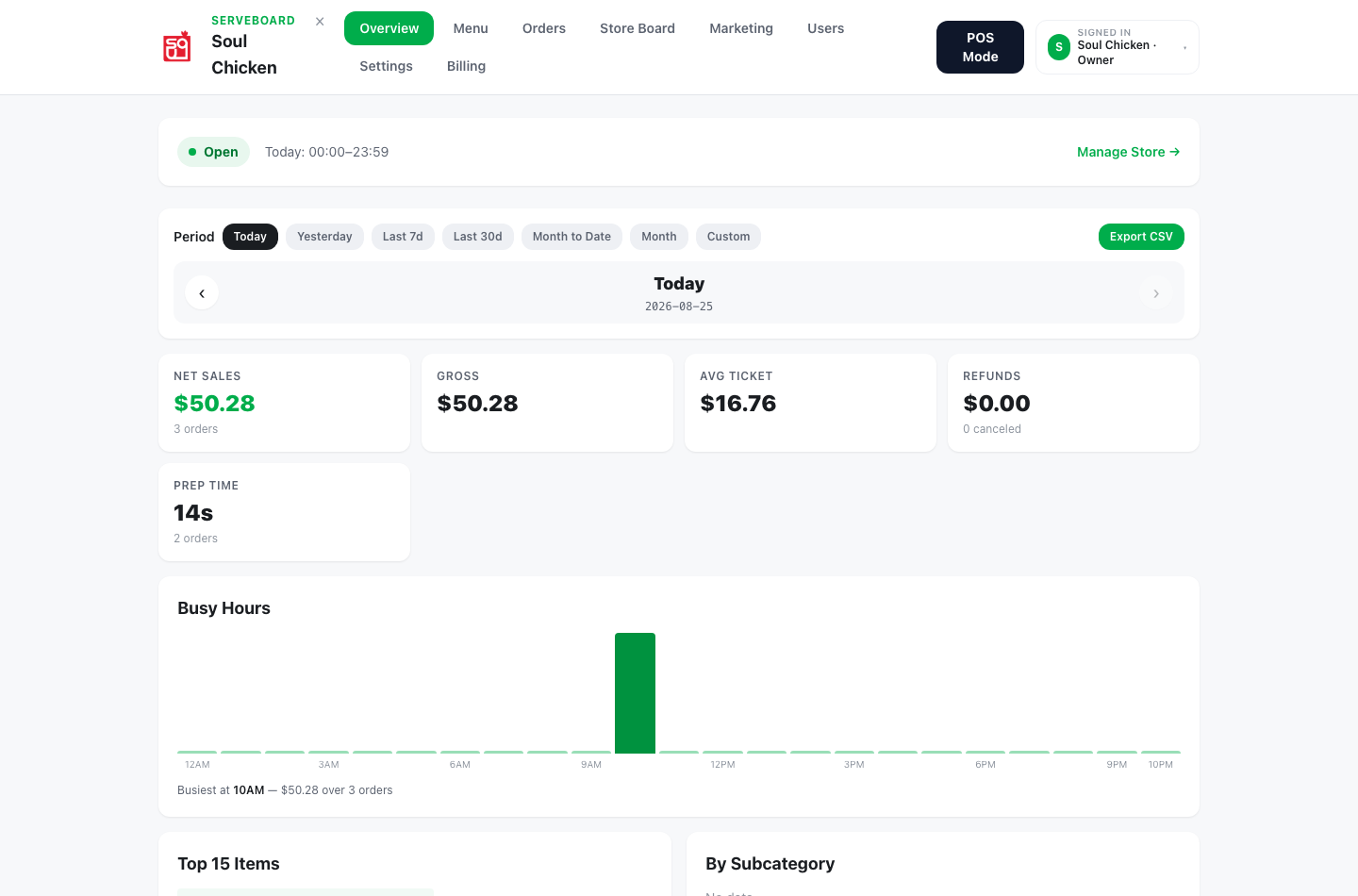
Every screen on this page is a capture from Soul Chicken in Honolulu, where ServeBoard runs every day.
Questions owners ask.
Do I need to install an app on my Clover?
No. You create an API token in your Clover dashboard and paste it in. Your staff keep using Clover the same way.
Does it show the customer’s name?
Yes, when the Clover order has a customer name. Otherwise it calls the order number.
Can I show my Clover menu on the TV?
Yes, on Plus. Import the menu from Clover in one tap and pick a menu board layout.
Can the kitchen see Clover orders on a screen?
Yes, on Pro. The kitchen screen shows tickets as they land, oldest first, and one tap on Ready calls the number.
How much is it?
From $39 a month. 14 days free, no card up front, cancel anytime.
Ready to stop yelling order numbers?
Setup in 5 minutes. Cancel anytime. First 14 days on us.
— or fully standalone